01 //
Open a media page
Open a music or video website in a browser tab. NextSona works with supported media pages, not just YouTube.

NextSona is ready to enhance audio in your browser with real-time pitch shifting, audio effects, AI vocal separation, video sync, and remote control.
Open a music or video website in a browser tab. NextSona works with supported media pages, not just YouTube.
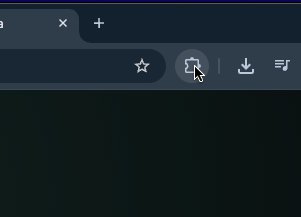
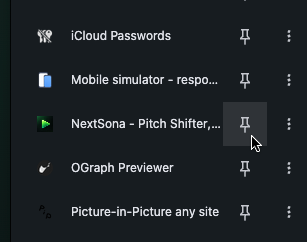
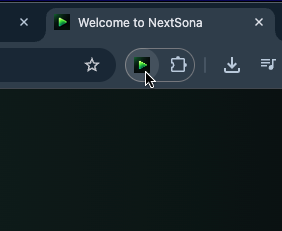
Click the NextSona icon in your browser toolbar and switch AUDIO to ON.
Open AI Vocal and choose KARAOKE to reduce vocals in real time, or explore the other audio tools.
Reduce vocals for karaoke or isolate them with an efficient real-time processing profile.
Adjust key, reverb, EQ, dynamics, stereo balance, and volume while you listen.
Control audio settings from a second device with the built-in Remote feature.